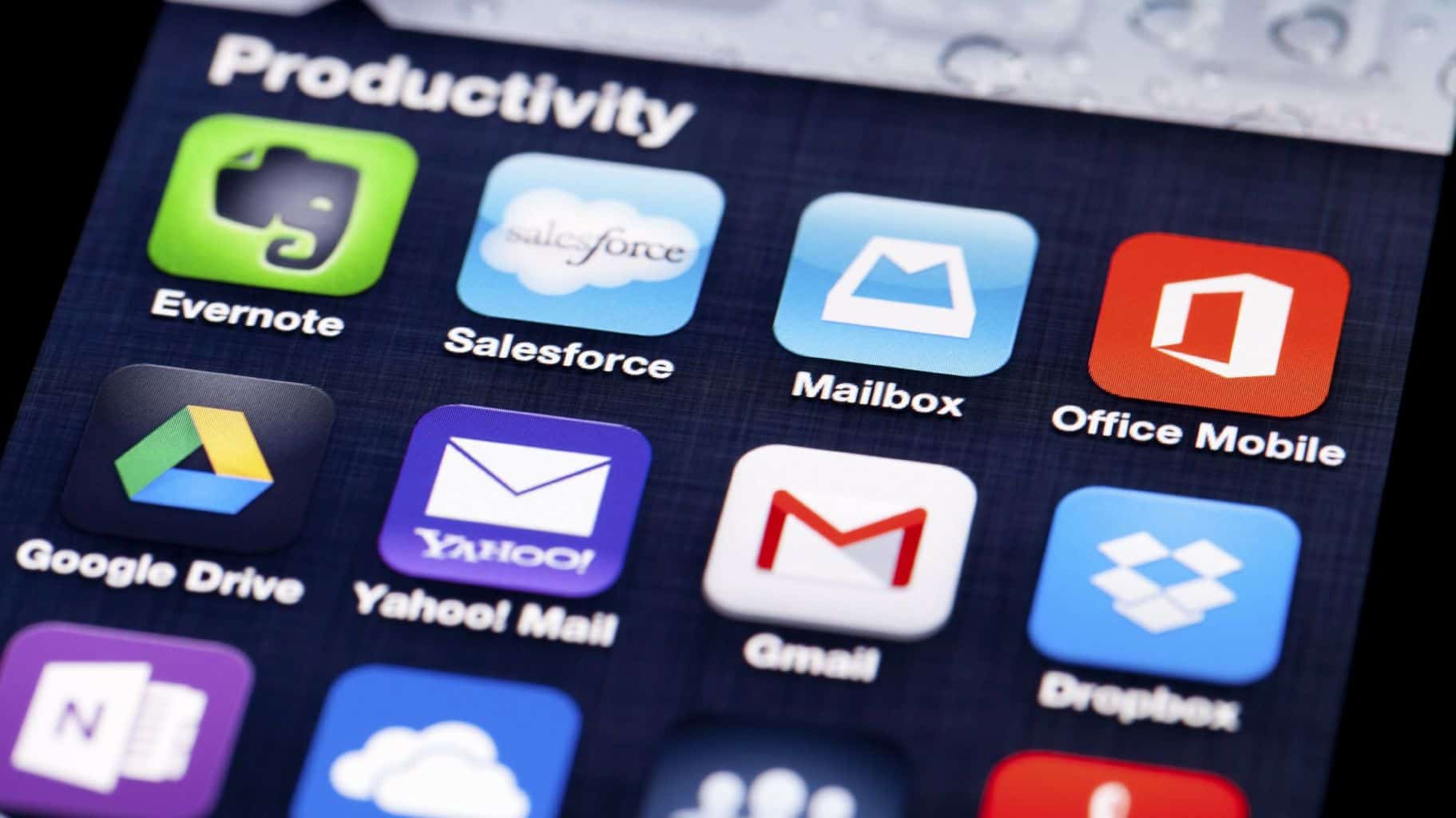
Smartphones have arguably replaced dogs as man’s best friend and what makes us particularly glued to our devices is the type of mobile apps we have installed.
Many of us have a number of apps on our phones but we probably use between five and ten apps at the most per day. If I use my personal experience as an example, I use an average of twelve apps per day. I will be sharing five of them today.
These apps help me to develop content, organise my daily tasks, enhance team collaboration, and manage my schedule. Much more, the apps help me to stay productive. Let me point out here that when it comes to my mobile connectivity, there are two things I also look out for – improved productivity and security.
Here are my top five mobile apps for 2018.
Lastpass
The number of accounts compromised online is on the rise and it is expected that through carelessness or some other reasons, more people will be hacked, one way or the other and this is because security remains one of the biggest challenges on the Internet today.
Carefully using Lastpass will improve your online security greatly because one of the easiest ways to get any web property hacked is exploiting weak passwords. This password management tool allows me to generate and store my passwords in the cloud in an encrypted format.
This is, however, not to say that Lastpass is 100 per cent full proof but it should help greatly as a number of experts have stated that using a password manager remains a top security tip that can be given to anybody. My advice to you is that if you still use a notepad or brainpower to store your password, you need to switch to a password manager as that will better serve the purpose.
Evernote
Evernote is one of those silently successful apps that have seen the likes of Onenote and Keep being created to challenge it. I cannot fully describe how much value Evernote has brought my way since I started using it.
I simply refer to Evernote as an e-filing cabinet that helps anyone achieve an easy way of filing and retrieving any key information when needed. It can be used to virtually carry out anything, ranging from note taking to book writing, running a paperless system, to bills collection, and storing photos and audios, among others.
One of the most interesting things that I enjoy about Evernote is that I am able to use it seamlessly on all my devices as it syncs automatically, saving my data on Evernote’s secured server. The mobile version is cool and handy. I have since stopped — Finish Reading on the Punch