


• Home
  • About
  • Advertise
  • Contact
  • Signup to receive updates
 Innovation | Startups | Funding | Tech Blog in Africa
NiRA Event
  • Home
  • Startups
  • Opportunities
  • Funding
  • Women Tech
  • Expert Column
  • Blockchain
No Result
View All Result
  • Home
  • Startups
  • Opportunities
  • Funding
  • Women Tech
  • Expert Column
  • Blockchain
No Result
View All Result
Innovation | Startups | Funding | Tech Blog in Africa
No Result
View All Result
Home General

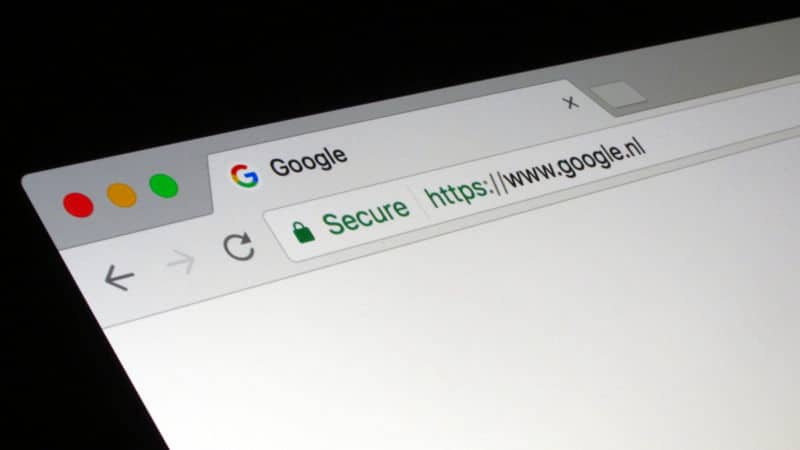
Secured Browsing Tips for Chrome Users

by TechBuild.Africa
8 years ago
in General
Reading Time: 2 mins read
A A
google chrome users

google chrome users

Share on FacebookShare on Twitter

RelatedPosts

Paystack Targets Nigerian SMEs With New Support Programme

AWIEF Announces Pitch n Grow 2026

TikTok, ICC Unveil Initative to Expand Digital Commerce Opportunities for Nigerian SMBs

59% of TikTok Users in Nigeria Follow Football, New Study Shows

Google Chrome is not the only web browser, there are other browsers such as Firefox, Mozilla, and Explorer. As a fact, Chrome has the highest number of users.

Let’s assume that an attack is launched against Chrome users, invariably, it means almost all internet users would be affected.

That is why security is paramount when using a browser such as Chrome. Although Google makes it a priority to periodically release updates and ensure security, that doesn’t mean users should slack and fail to do the needful.

There are a few tips that all users need to implement while browsing the internet. These tips ensure that you are safe from all potential attacks.

It is important to note that all settings on the Chrome browser are done by navigating through the advanced settings.

Turn off Instant Search

The instant feature could be very good because it ensures that searches are done without wasting time. But then, this feature means that anything you type of search engine would be sent to you. For optimal security, you have to turn it off.

Avoid Synchronisation

Do not be tempted to sync our email account with your browser. You have to get it disconnected from the “Personal Stuff” tab.

The reason for this is to avoid all your data such as a password in the form of autofill to be stored on Google servers. That could be dangerous.

Alternatively, you could the “Encrypt all Synced data” option and create a key for it.

Enable Phishing and Malware Protection

It’s good that Chome has this feature, it informs you if you wanted to visit a site that is malicious. You could turn this on at the Privacy option.

Configure Password and Form Filling Setting

It is good to disable autofill and deselect “Offer to save passwords I enter on the web” under the “Passwords and Forms” section. By doing this, Chrome will not save any sensitive information gave out when filling forms online.


Join @techbuildafrica on Telegram
ShareTweetShareSendShare

Related Posts

Paystack Small Business
General

Paystack Targets Nigerian SMEs With New Support Programme

AWIEF
General

AWIEF Announces Pitch n Grow 2026

Digital Commerce Labs
General

TikTok, ICC Unveil Initative to Expand Digital Commerce Opportunities for Nigerian SMBs

Subscribe Us

Recent Posts

  • The Bigger Crypto Security Problem Isn’t Billion-Dollar Hacks Anymore
  • RoboCare Lands Investment From 216 Capital to Expand Its Farm Intelligence Platform Beyond Tunisia
  • Football Podcasts Gain Momentum Across Sub-Saharan Africa, Spotify Reveals
  • AI for Nigerian SMEs: Breaking Through the Barriers to Adoption
  • Flat6Labs, IFC Launch StartAlgeria to Strengthen Algeria’s Startup Support Ecosystem
  • WapiPay Secures Canadian Regulatory Approval to Scale Cross-Border Payments
  • Irvine Partners CEO Clinches Major Industry Awards in UK, EMEA
  • Personal Equity: Quantifying Individual Activity to Price Risk
  • Paystack Targets Nigerian SMEs With New Support Programme
  • Spiro Gains $55M Investment From NewTrails to Grow Africa’s EV Ecosystem

Telegram

Join @techbuildafrica on Telegram
Innovation | Startups | Funding | Tech Blog in Africa

© 2013-2024 techbuild.africa. All Rights Reserved.

Navigate Site

  • About
  • Contact
  • Privacy
  • Sitemap
  • Terms
  • Blockchain
  • CleanTech

Follow Us

Welcome Back!

Login to your account below

Forgotten Password?

Retrieve your password

Please enter your username or email address to reset your password.

Log In

Add New Playlist

No Result
View All Result
  • Home
  • Startups
  • Hubs
  • Funding
  • WomenTech
  • CleanTech
  • Blockchain

© 2013-2024 techbuild.africa. All Rights Reserved.

This website uses cookies. By continuing to use this website you are giving consent to cookies being used. Visit our Privacy and Cookie Policy.
Secret Link
