


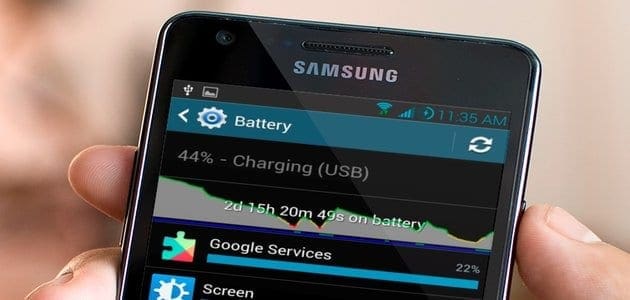
Many users complain about the mediocre battery life their smartphones have, but good battery life depends on a whole lot of factors. Luckily, users can do many things to improve it and here are some of the tips that can really make a difference:
- Turn auto sync off when not needed.
- Reduce screen brightness or set it to auto brightness.
- Set your phone to “GSM Only” when data is not in use or signal strength is weak (through settings option or *#*#4636#*#*).
- Use 3G where 4G/LTE signals are weak as LTE drains the battery pretty fast.
- Turn-off “vibrate on touch” and haptic feedback.
- Reduce screen timeout to preferably 30 seconds.
- Make use of the power saving mode, if available.
- Keep unused radios and connections off, like Wi-Fi, Bluetooth, NFC, etc.
- Avoid exposing your phone to heat.
- Keep an eye on what is consuming the battery, using battery usage statistics, and get rid of unnecessary or unused apps that are capable of draining the battery.
- Avoid using live wallpapers and get rid of unnecessary home screen widgets.
Users who want to get a little more adventurous can root their phone and install The Greenify app. The app hibernates other apps when the screen is turned off, (or whenever the user wants). There are also many battery-saving apps available for users with root privileges, like Autorun Manager and Juice Defender. Rooting your phone will, however, void the warranty, so do it at your own risk.




